
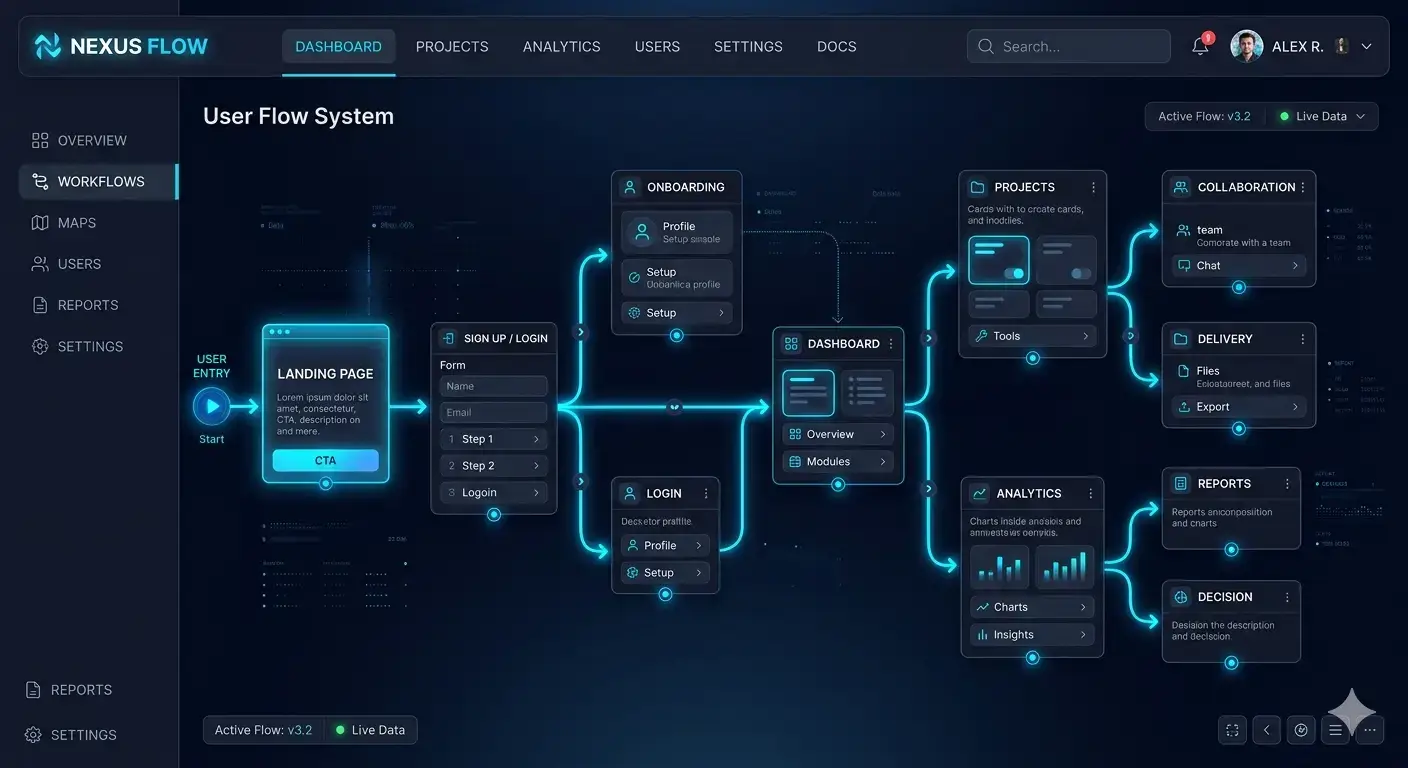
Why Small UX Changes Have a Big Impact on Conversion
Most businesses assume that growth comes from more traffic. But in reality, conversion optimization tips are often more powerful than any marketing campaign.
Users don’t leave your website because they aren’t interested.
They leave because something feels unclear, slow, or difficult.
This is where UX becomes critical.
Small improvements in structure, clarity, and interaction design can dramatically improve website conversion without increasing traffic.
This is the difference between a website that looks good and a website that performs.
The Hidden Problem: Friction in User Experience
Every website has invisible resistance.

Users experience friction when:
- They don’t understand what to do next
- Pages load too slowly
- Forms feel complicated
- Navigation creates confusion
These issues don’t always look “broken,” but they quietly reduce your conversion rate.
This is why applying UX optimization strategies is one of the fastest ways to increase conversion rate.
The Silent Conversion Leaks in Most Business Websites
7 Small UX Fixes That Increase Conversion
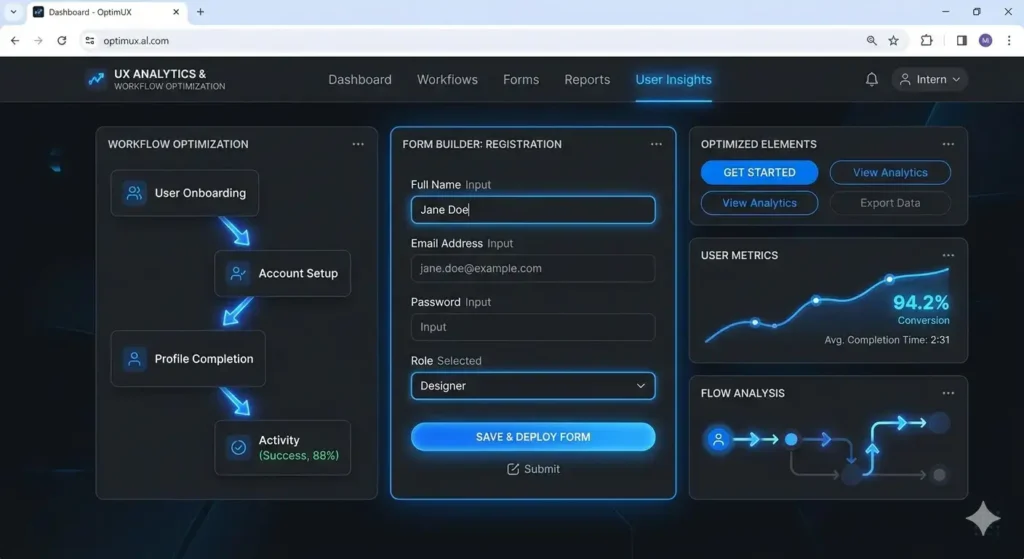
1. Clarify Your Primary CTA
If users have multiple choices, they choose none.
Your page should have one clear action:
- Book a call
- Start a project
- Request a quote
Simplifying your CTA is one of the most effective conversion optimization tips.
2. Reduce Form Friction
Long forms kill momentum.
Fix:
- Remove unnecessary fields
- Use autofill where possible
- Break forms into steps
Why Your Website Traffic Isn’t Turning Into Revenue
3. Improve Page Load Speed
Speed directly impacts behavior.
Even a 1-second delay increases hesitation.
If performance is weak, no UX fix will fully compensate.
Website Performance Optimization: 7 Hidden Issues Slowing Your Site
4. Make Navigation Predictable
Users should never think:
“Where do I click next?”
Simple structure = better decisions = higher conversion.
5. Add Trust Signals at Decision Points
Trust is not decorative — it’s structural.
Add:
- Testimonials near CTAs
- Clear pricing logic
- Security indicators
Website Trust Signals: Trust Is a Structural Layer, Not a Design Element
6. Reduce Cognitive Overload
Too many options = no decision.
Simplify:
- Layout
- Messaging
- Visual hierarchy
Design Without Strategy Is Expensive Decoration
7. Fix Mobile Experience
Most users are mobile.
If mobile UX is broken:
→ conversions drop instantly
The Conversion Killers Hidden in Your Website
Why These Conversion Optimization Tips Work
These fixes are powerful because they align with human behavior.
Users don’t analyze — they react.
Good UX:
- Reduces hesitation
- Builds confidence
- Creates flow
Bad UX:
- Creates doubt
- Delays decisions
- Breaks trust
Why Website Is Not Converting (Even With Traffic)
Conversion Is a Flow, Not a Feature
Many websites treat conversion like a button.
But conversion is a system.
It includes:
- Entry point (traffic)
- Navigation
- Decision points
- Trust layers
- Final action
If one part breaks, the entire flow collapses.
Website System Architecture: From Brochure to System
How to Apply These UX Improvements Structurally

Instead of random fixes, build layers:
1. Clarity Layer
Users understand instantly what you offer
2. Trust Layer
Users feel safe to continue
3. Friction Layer
Nothing slows them down
This approach transforms UX into a system — not just design tweaks.
Fix What’s Blocking Your Conversions
Most websites don’t need redesigns — they need precision fixes.
We identify friction, remove UX barriers, and rebuild your conversion flow.