
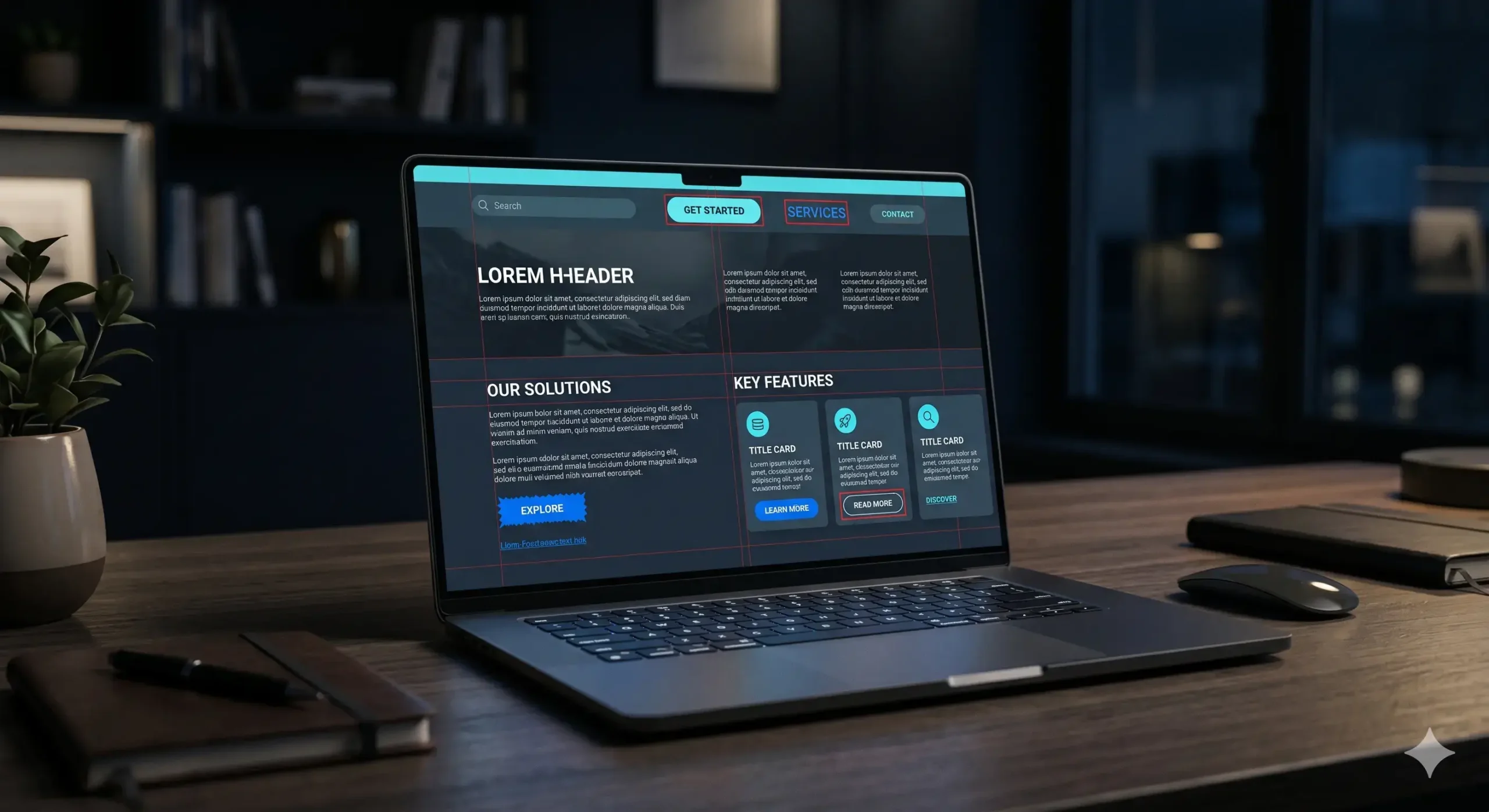
A website rarely slows down because of one visible issue. In many service businesses, the real damage starts when the CRM, forms, email tools, booking systems, payment steps, analytics, and follow-up processes do not work as one flow. These website integration problems create friction that visitors cannot always explain, but they can feel.
A lead submits a form and waits too long. A booking request reaches the wrong person. A payment step opens in a separate tool with no return path. Analytics show traffic, but the business cannot see which leads converted.
Performance should not be measured only by loading speed. A website performs well when it moves people, data, and decisions smoothly. If your tools are disconnected, the site may look modern while the business behind it stays slow.
Why Website Integration Problems Reduce Real Performance
Website integration problems create delay, uncertainty, and broken decision flow. Each disconnected tool adds another manual step between the visitor’s action and the business response.
For example, a form may capture a lead, but if that lead is not routed to the right inbox, added to a CRM, tagged by source, and followed up quickly, the website has only completed half of its job. The same happens when calendars, payments, confirmation emails, and internal notifications are not aligned.
Speed Is Not Enough If the Workflow Is Broken
A fast website can still lose revenue if the journey after the click is weak. Core Web Vitals help visitors enter the experience, but integration decides whether the business can handle that visitor.
If a service website loads quickly but sends users into confusing forms, external booking links, duplicate messages, or slow replies, the result is still poor performance. The visitor may not blame integration, but they may leave because the process feels untrustworthy. These hidden conversion bottlenecks often happen after the page loads, which is why technical speed alone cannot explain poor business results.
Real website performance combines speed, UX, automation, tracking, and response quality. When these layers work together, the site becomes a business system instead of a static brochure.
How Disconnected Tools Hurt Lead Flow
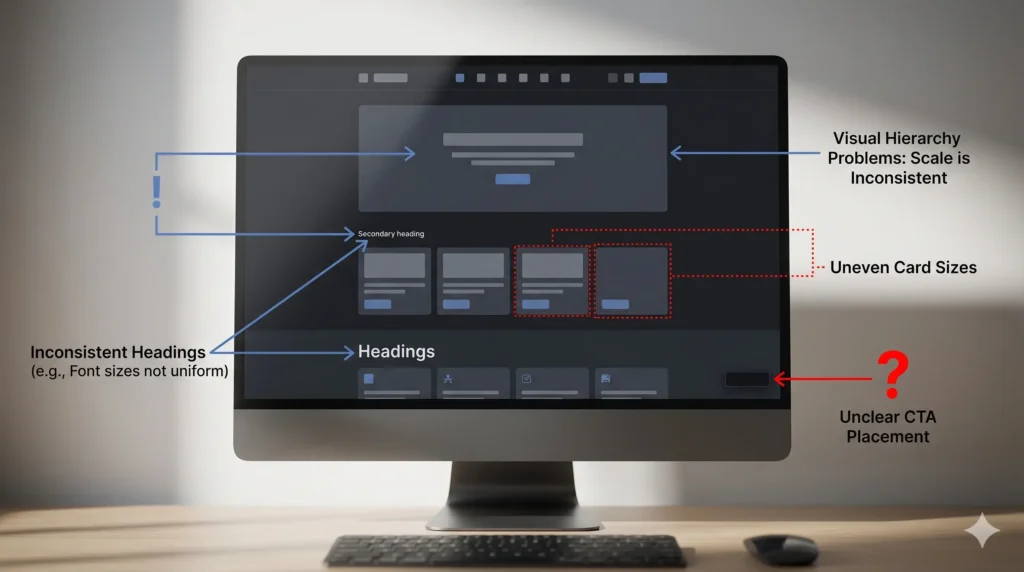
Lead flow depends on timing. When someone asks for a quote, books a consultation, or submits an inquiry, the next few minutes matter.
Common problems include form submissions staying inside WordPress, emails landing in a general inbox, manual spreadsheet updates, and no reminder when a lead is not answered. These small gaps reduce sales handling efficiency.
A stronger setup connects forms with CRM records, notifications, email sequences, internal tasks, and source tracking. With proper CRM integration and automated lead routing, every inquiry can be sent to the right person or department based on service type, source, urgency, or customer intent. This helps the business respond while the customer still has intent.
Why Automation Improves Conversion Flow
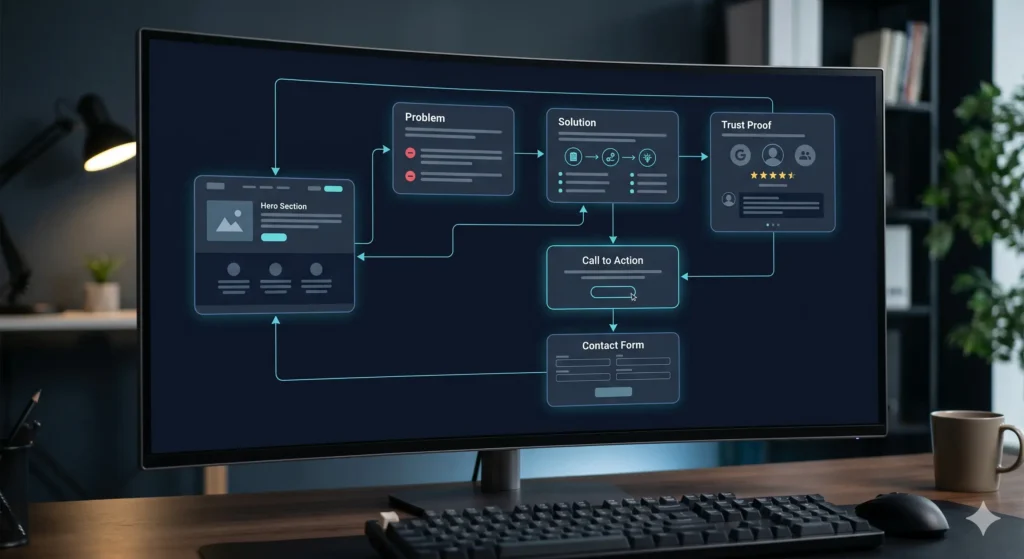
Automation improves conversion flow because it removes waiting, guessing, and manual transfer. It can route leads by service type, send confirmation messages, notify the correct team member, create follow-up tasks, and track which source produced the inquiry.
For service businesses, this creates a smoother customer decision flow. The visitor gets clarity. The team gets context. The business gets measurable data.
This is where a website automation system becomes valuable. It is not about adding trendy tools. It is about connecting actions so that the user journey and business workflow support each other. This is where business workflow automation becomes valuable: the website not only collects information, it also helps the business process that information faster and more consistently.
The Hidden Cost of Poor Tracking
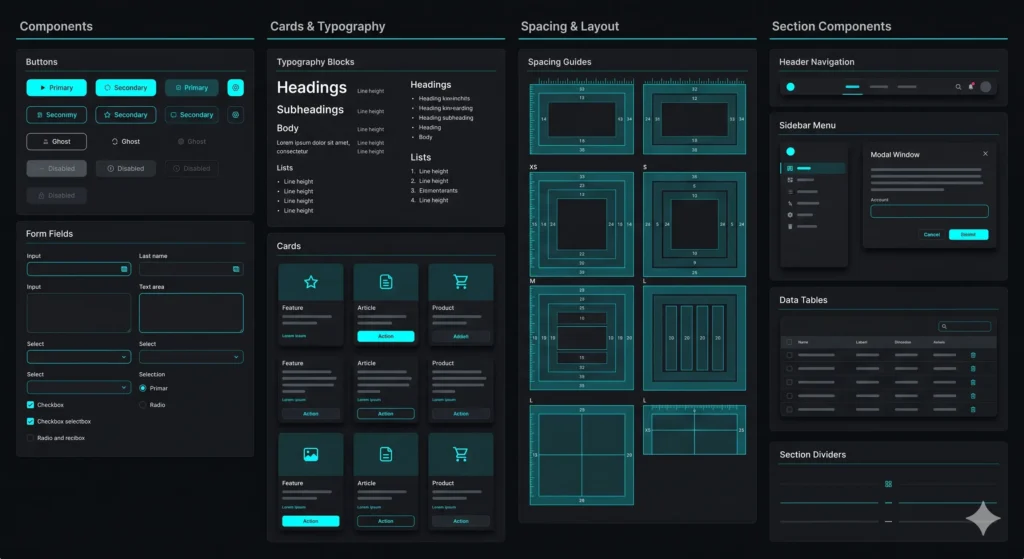
Many companies think they have a traffic problem when they actually have a visibility problem. If forms, calls, WhatsApp clicks, booking steps, and CRM stages are not connected, the business cannot understand which part of the website is working.
Without clean integration, reports become shallow. You may know how many visitors came to the site, but not how many became qualified leads, how many were answered, or where buyers dropped out.
Better tracking gives decision-makers the missing layer: not just traffic numbers, but business movement. Strong tracking and analytics should show where leads come from, which forms convert, which channels produce qualified inquiries, and where the customer journey loses momentum.
What a Connected Website System Should Include
A connected website does not need to be complicated. It needs a clear structure. At minimum, the system should align conversion points, lead capture, CRM storage, automated notifications, follow-up logic, analytics, and team responsibilities.
For booking businesses, this can include availability sync, payment flow, confirmation emails, customer records, and internal dashboards. A strong booking system integration should keep availability, customer details, payments, confirmations, and internal team notifications aligned in one clear flow.
Every important user action should trigger the next business action without confusion.
Website Integration Problems Are Business Problems
Website integration problems are often treated as technical details, but they directly affect trust, speed, and revenue. A disconnected website makes the team slower, the user journey weaker, and the business less informed.
When tools work together, the website becomes easier to manage, measure, and scale. Visitors experience a cleaner path. Teams handle leads with more confidence. Owners see what is driving growth.
A high-performing website is not only fast. It is connected.
Is Your Website Connected Enough to Perform?
If your website captures leads but your team still handles follow-ups manually, misses inquiries, loses source data, or depends on disconnected tools, the problem is not only technical. It is structural. A connected system can improve speed, lead handling, conversion flow, and decision clarity.